Which Operating System Does Not Support Networking Between Computers? Clear Guide for Students and Beginners

 Technology
 When people ask which operating system does not support networking between computers, they are usually trying to identify the kind of system that was designed for one machine first, not for sharing files, printers, or services across a network. In the classic sense, the best-known example is MS-DOS, a system that was primarily built as a standalone operating system and later depended on add-on components for network access. Modern Windows systems, by contrast, include built-in SMB client and server components, which means they can both connect to other computers and share resources with them.
What the question really means
The question is less about a single perfect answer and more about a category of operating systems. A network operating system is designed to help computers communicate and share resources over a LAN or similar network, while a standalone system is centered on local tasks and may not include built-in network functions. In older computing environments, that difference mattered a great deal because the operating system often determined whether networking was possible at all or whether a separate package had to be installed first.
That is why this topic is often discussed in basic computer studies. Students are asked to compare systems that were made for single-user, single-machine operation with systems that were built to participate in a network from the start. The important idea is not just whether a computer can be connected physically, but whether the operating system has the software stack needed to communicate properly, authenticate, and share resources.
Standalone systems versus network-aware systems
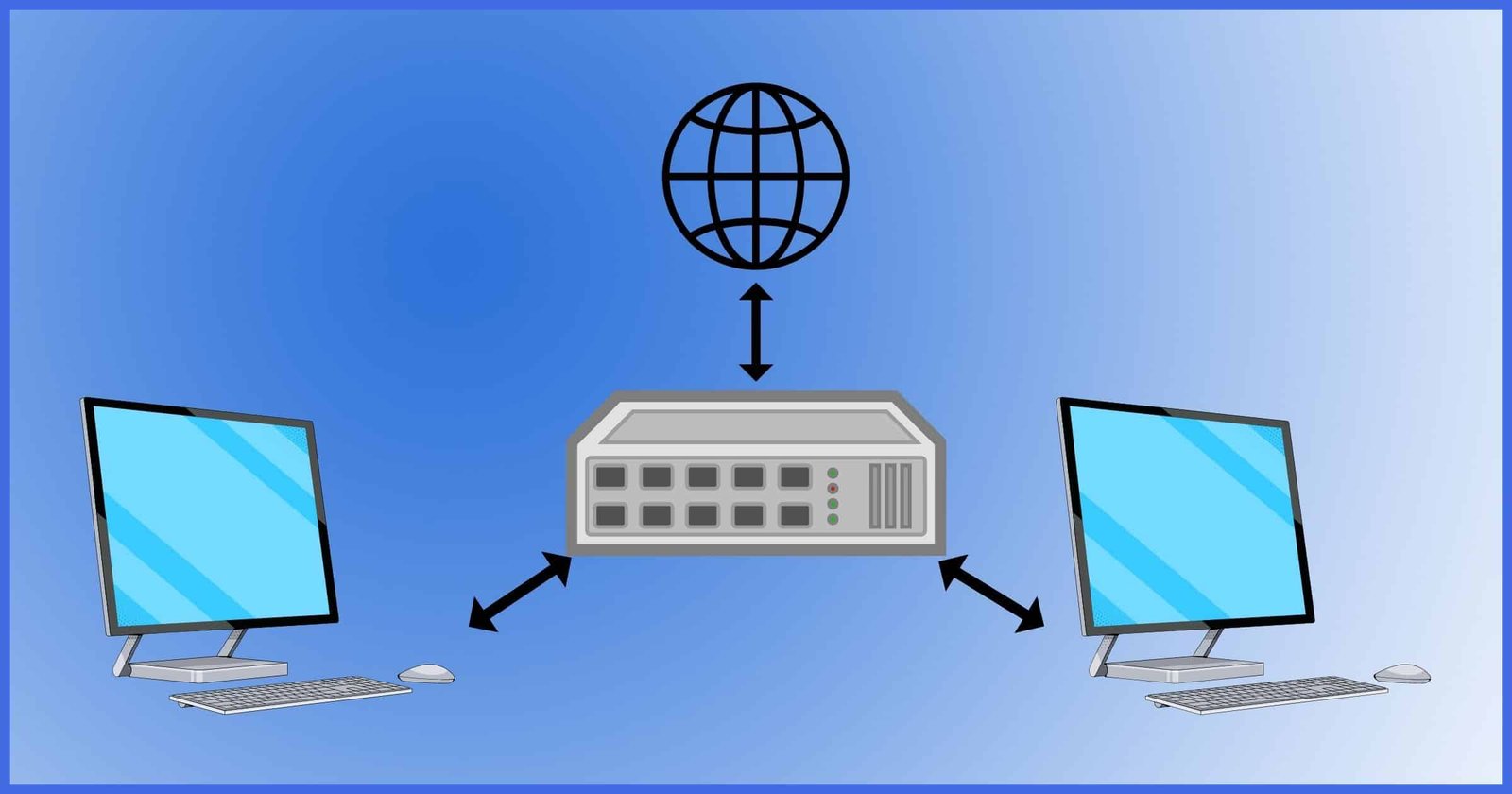
A standalone operating system focuses on local use. It manages files, memory, devices, and programs on one computer, but it does not always include the network services needed for communication between multiple systems. A network-aware operating system, on the other hand, includes the tools required for file sharing, printer sharing, authentication, and client-server communication. That distinction is why many reference sources describe network operating systems as software that supports communication and resource sharing across connected devices.
This does not mean a standalone system is useless or incomplete. It simply means its original design goals were narrower. In the early personal-computer era, many users only needed local computing, so a lighter system made sense. Networking was often treated as an extra layer that could be added later if needed. That pattern is visible in the history of MS-DOS, where Microsoft and others produced separate network clients and related tools rather than treating networking as an inseparable part of the base operating system.
The classic historical example
MS-DOS is the most common answer in textbooks and exam-style discussions. Microsoft documentation and support references show that older systems such as MS-DOS relied on separate Microsoft Network Client and LAN Manager client packages for network-related features, and Microsoft also notes that some old operating systems such as MS-DOS may not be able to communicate with modern servers through SMB in the same way current systems do. That is why MS-DOS is often used as the model example of a system that did not natively support networking between computers in the modern sense.
The practical lesson is simple: a computer running plain MS-DOS could work very well as a local machine, but network communication was not the default experience. If a school book asks for the operating system that does not support networking between computers, the safest answer is usually MS-DOS or, more broadly, a standalone operating system without a built-in network stack. That wording is important because it reflects the historical reality more accurately than claiming that one modern desktop OS cannot network at all.
Why early systems often lacked built-in networking
Early personal computers were designed under severe limits. Memory was small, processors were slow by today’s standards, storage was limited, and the average user needed only a simple interface for local tasks. Because of those limits, operating systems often focused on core duties like running programs, reading disks, and handling basic input and output. Networking required extra drivers, extra protocols, and extra configuration, so it was often left out of the base installation or sold as a separate product. This is an informed interpretation of the historical record, and it matches the way Microsoft separated MS-DOS from its network clients and SMB-related tools.
That separation also explains why students sometimes think the operating system itself is the only factor. In reality, networking depends on several layers working together: the OS, protocol support, hardware drivers, and the applications that actually use the connection. A machine may have the physical hardware to connect to a cable or router, but without the right software stack it still will not behave like a networked computer.
What modern operating systems do differently
Modern desktop and server systems are built very differently. Microsoft says that both Windows Server and Windows client operating systems include SMB client and server components, which allows a Windows client computer to host file shares and also connect to shares on other computers. Microsoft also describes SMB as the file-sharing protocol Windows uses to share files, printers, and other resources across a network. That is a major change from the older standalone model.
This means the answer to the old classroom question should not be read too literally in a modern setting. Today, most mainstream operating systems can support networking between computers, though the exact features, defaults, and security settings may differ. Even when an operating system is optimized for a single device, it usually still includes network drivers and protocols because network use is now a basic expectation. The historical exception is mainly about older systems that were never designed with networking as a built-in feature.
The difference between “can connect” and “is designed to network”
This distinction matters more than many people realize. A system can sometimes be made to network through add-ons, but that does not mean networking was part of its original identity. The presence of a network client, a protocol add-on, or a third-party utility can extend an old operating system beyond its base design. Microsoft’s documentation on MS-DOS-era clients shows exactly this kind of extension: network access could be added, but it was not simply assumed to be there from the beginning.
So when you hear the question in plain language, it is really asking about the operating system family that was not originally built for computer-to-computer sharing. That is why “standalone operating system” is a better concept to remember than trying to memorize one isolated product name. MS-DOS remains the clearest historical example, but the bigger idea is that some systems were local-first, while others were network-first.
A useful way to answer the question in class or in writing
A neat, accurate answer would be: “A standalone operating system, such as MS-DOS, did not originally support networking between computers in the way modern network operating systems do.” That statement is safer than saying “no networking is possible,” because it recognizes that add-ons and later tools could provide limited network access. Microsoft’s own references to old operating systems, network clients for MS-DOS, and SMB compatibility limits support that interpretation.
If you need a one-line educational version, you can say: “MS-DOS is the classic example of an operating system that did not natively support networking between computers.” That phrasing stays close to the historical reality and avoids confusion with modern operating systems that normally include networking as a standard capability.
Related reading on Business To Mark
For readers who are building their computer basics step by step, these related articles from Business To Mark fit naturally with this topic: What to Do After BSc Computer Science, What Are the Subjects in BSc Computer Science, and What Is Meant by a Dedicated Computer. They are useful companions because they connect operating systems, computer study paths, and system types in a simple way.
Practical examples that make the idea easier to remember
Think of a school computer lab in the early days of PCs. If each machine only needed to open a document, save a file, or run a program locally, a lighter standalone system made sense. But if the lab later needed file sharing, printer sharing, or shared logins, the system had to grow into something network-capable. That is the reason the idea of “networking between computers” became a separate topic in operating system history rather than a universal default from day one.
Now compare that with a modern office. A Windows client can act as both an SMB server and an SMB client, which means it can share folders outward and connect inward at the same time. Microsoft also documents SMB version support and security changes across Windows versions, showing that networking is now an ordinary part of system design rather than an optional add-on.
Why the wording of the question can be misleading
The phrase “does not support networking between computers” sounds absolute, but computing history is usually more nuanced. Some systems lacked networking entirely at first. Others supported networking only after extra drivers, protocol stacks, or client software were installed. Still others supported certain network features but not others, or supported them only in limited ways. That is why broad historical statements should be read carefully.
For example, Microsoft’s older documentation notes that some old applications and operating systems such as MS-DOS might not be able to communicate with servers through SMB in the same way newer systems do. That is not the same as saying networking never existed for them. It means the compatibility model was narrower, older, and more dependent on matching the right client software and protocol settings.
A simple external reference for further study
For a quick overview of the concept behind this topic, the Wikipedia article on network operating system gives a useful historical summary of how operating systems with networking capabilities evolved over time. It is not the only source you should rely on, but it is a convenient starting point for seeing how the term has been used.
What to remember for exams, interviews, and basic computer knowledge
If the question is presented in a school exam, the expected answer is usually not a long explanation. The examiner is typically looking for the idea that older standalone systems did not include networking as a standard feature. In that setting, naming MS-DOS is usually correct, especially if you add a short phrase like “standalone operating system” or “without built-in networking.”
If the question appears in a job interview or a general discussion, the best response is slightly more careful. Say that most modern operating systems support networking, but classic standalone systems such as MS-DOS did not natively support networking between computers in the way modern operating systems do. That answer shows accuracy, maturity, and awareness of historical context.
Final thoughts
The cleanest answer is that MS-DOS is the classic example, and more broadly any standalone operating system without a built-in network stack fits the description. Modern operating systems generally do support networking between computers, so the question is mainly historical rather than current. Once you understand the difference between standalone systems and network operating systems, the whole topic becomes much easier to remember.