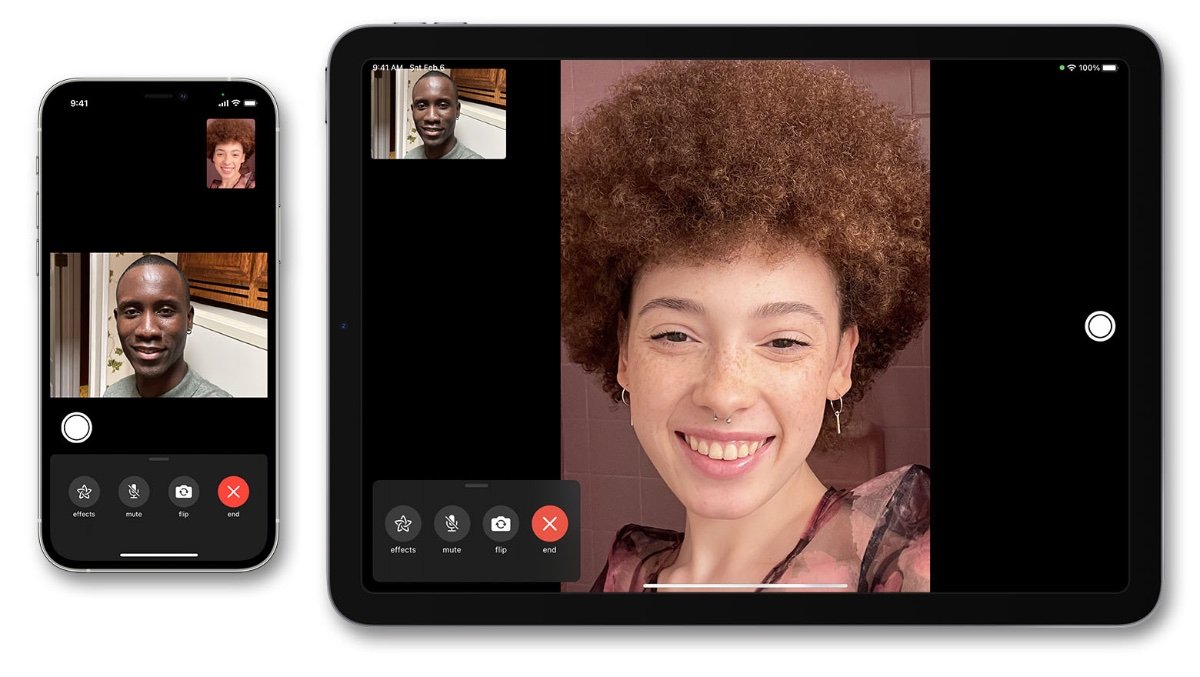
FaceTime is one of the most popular ways to talk, share moments, and stay close with family, friends, and coworkers. It feels simple and private, which is why many people worry about hidden actions during a call. One of the most common questions is whether the other person can tell if you are recording your screen.
The short answer is that a normal FaceTime call does not usually alert the other person when you start a local screen recording on your own device. Still, the full answer is more detailed than that. What happens depends on whether you are recording your own screen, sharing your screen, saving a call, or using another device or app to capture the content.
That is why it helps to understand the difference between screen recording, screen sharing, screenshots, and call recording. Once you know how FaceTime works, privacy becomes much easier to understand. This article explains the topic in a clear and practical way so you know what people can see, what they cannot see, and what good etiquette looks like during a call.
What Screen Recording Means During a FaceTime Call
Screen recording is the act of saving whatever appears on your phone or computer screen as a video file. On an iPhone, iPad, or Mac, this often means using the built-in screen recorder. You might record for many reasons, such as saving a tutorial, keeping a memory, or reviewing something later.
In the context of FaceTime, screen recording can happen while the call is open. The important point is that the recording is usually happening on your device, not through FaceTime itself. That distinction matters a lot because FaceTime is not the same as a screen-sharing app or a conference platform with built-in recording alerts.
Many people ask, See screen recording on facetime, because they want to know whether the other person gets a notification. In most everyday cases, the answer is no for local screen recording. The app generally does not send a special warning just because your phone begins recording the display.
However, this does not mean the other person has no way to suspect something. They may notice visual clues on your device, unusual pauses, or changes in how you interact during the call. So while FaceTime may not directly announce it, the person on the other end could still become aware in other ways.
Can Someone Actually Tell If You Record Your Screen?
The most practical answer is this: not usually through FaceTime itself. If you press the screen record button on your own iPhone or iPad, the other caller generally does not receive a direct pop-up saying that you are recording. That is one reason people feel comfortable using their devices privately.
But there is an important difference between “cannot tell directly” and “cannot tell at all.” Someone might notice if your behavior changes. For example, they may see you looking away from the camera, tapping your device more often, or pausing to start the recorder. If you are using a computer, they may hear clicks or notice a delay before you respond.
There is also another key detail: if you are sharing your screen through a call or a related feature, the other person absolutely sees what you are showing. That is not hidden recording; it is active sharing. In that case, they may not know you are saving the call locally, but they can see the screen content being presented to them.
This is why it is helpful to separate private recording from visible sharing. The phrase See screen recording on facetime can mean many things, but the answer changes depending on which action you are talking about. Recording your own screen is different from showing your screen to another person.
FaceTime Screen Recording vs. Screen Sharing
Many people confuse screen recording with screen sharing, but they are not the same.
Screen recording means saving a copy of what happens on your device.
Screen sharing means letting another person view your screen in real time.
During FaceTime, if you share your screen, the other person can obviously see your current activity. That includes any app you open, any page you visit, and anything displayed while the share is active. In that situation, privacy is very limited by design.
Screen recording works differently. You can record the screen without the other caller receiving a special notification from FaceTime. The recording stays on your device unless you choose to share it later. That is why people often ask whether FaceTime itself reveals the recording.
A simple way to think about it is this:
If you are recording privately, FaceTime usually does not announce it.
If you are sharing your screen, the other person can see what is on it.
That difference matters a lot for privacy. Anyone trying to understand See screen recording on facetime should first decide whether they mean local recording or live sharing.
What the Other Person May Notice Anyway
Even if FaceTime does not notify the other caller, there are still a few signs that might make the recording obvious. These signs are not guaranteed, but they are possible.
One sign is behavior. If you suddenly stop looking at the camera, lower your phone, or pause before replying, the other person may suspect you are doing something else with your device.
Another sign is sound or movement. On a Mac or iPhone, starting a screen recording may create a small system sound or visual indicator on your own side. If the person hears a click, sees you glance at the top of the screen, or notices an awkward delay, they may guess that something is happening.
A third sign is simple timing. If you seem unusually careful about keeping certain information visible, they may infer that you are recording. This is especially true if you are trying to capture a particular part of the conversation.
Still, these are indirect clues. They are not the same as FaceTime showing a bright recording alert to the other caller. That is why the real answer to See screen recording on facetime is usually “not directly, but your behavior may give it away.”
Does FaceTime Notify Screenshots or Recording?
People often ask about screenshots and screen recordings together because both involve capturing what appears on the screen. The two actions are related, but they are not identical.
A screenshot captures one moment as a still image.
A screen recording captures motion and sound over time.
In regular use, FaceTime does not act like a social app that loudly warns everyone every time the screen is captured. The app is designed mainly for private conversation, not for public broadcasting. That said, policies and device behavior can change over time, so it is smart to stay aware of your device’s current privacy indicators.
What matters most is that users should not assume total invisibility. Just because a feature does not send a formal notification does not mean the action is invisible in every sense. A person may still notice from the call itself, from the sound of the device, or from later sharing.
If you are wondering whether you should use See screen recording on facetime as a privacy test, the best approach is to remember that tech privacy is rarely absolute. Some things are hidden from the app, but not from human observation.
The Difference Between Recording on iPhone, iPad, and Mac
FaceTime can be used across several Apple devices, and the experience may feel slightly different depending on where you are calling from.
On iPhone and iPad, screen recording is often started from Control Center. Once it begins, the device shows a visible recording indicator on your screen. That indicator is for you, not for the other caller.
On Mac, screen recording can be done with built-in tools or third-party software. Again, the other person on FaceTime usually does not get a direct alert from the app. But if you are using the Mac while looking away from the camera or adjusting windows, they may suspect it.
A major practical point is that the device itself may reveal more to you than to the person on the call. The recording icon, countdown, or system indicator helps you know it is active. The other caller does not typically see that same indicator.
So when people ask See screen recording on facetime, they are often mixing up what the device shows locally with what the other caller receives. Those two things are not the same.
Why People Want to Record FaceTime Calls
There are many harmless, everyday reasons someone may want to record a FaceTime call. A parent may want to keep a memory of a child speaking to a grandparent. A student may want to save a tutorial or demonstration. A worker may want to keep a note about a shared instruction, with everyone’s permission.
The reason matters because privacy and trust matter too. Just because something can be recorded does not always mean it should be. Good communication is built on respect, and people often feel more comfortable when they know what is happening.
In family calls, many people prefer open honesty. In work settings, consent is even more important. In friendly chats, a little courtesy goes a long way. If the conversation includes personal matters, it is respectful to ask first before recording.